mirror of
https://github.com/icyphox/crap
synced 2026-01-09 22:21:11 +00:00
No description
 30438d08b8
* Save multiple files with the same name If you delete a file with the same name as another file in your trashHome dir crap will simply replace the old file with the one. This behaviour isn't what most users would expect. This patch allow crap to save multiple files with the same name in the same way that most linux gui file managers deal with the trash. * Also allow saving multiple dir |
||
|---|---|---|
| src | ||
| crap.nimble | ||
| LICENSE | ||
| readme.md | ||

rmfiles without fear
Why?
Ever rmed a file and instantly regretted it? Fear not, for crap is here.
How?
crap follows the FreeDesktop.org Trash spec. So instead of perma-deleting your file, crap moves it to the $XDG_DATA_HOME/Trash folder. If this environment variable isn't set, it defaults to ~/.local/share/Trash.
And obviously, this works only on Linux.
Installation
$ nimble install crap
or download the binary from the Releases page.
Tip
Alias crap to rm in your .bashrc/.zshrc. But that's kinda the point.
Usage
$ crap foo.png

$ crap *.png

$ crap a.pdf b.jpg c.mp4
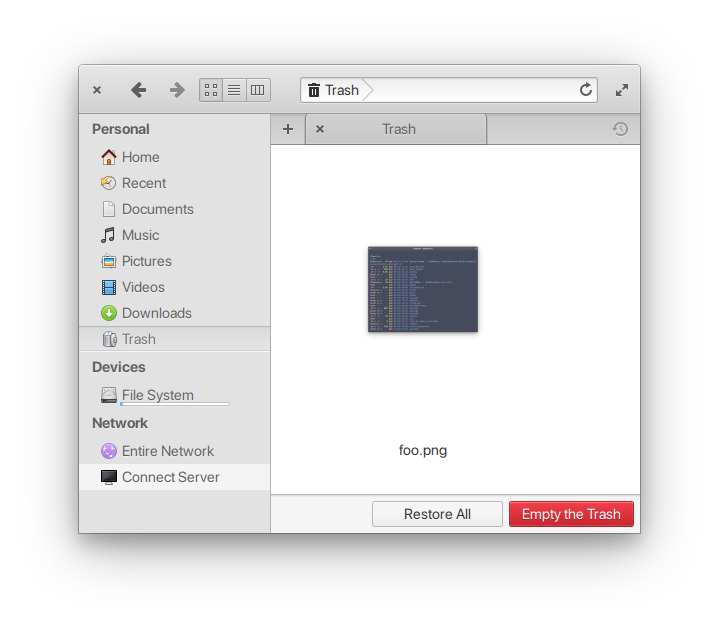
Aaannddd it'll show up in your file manager's Trash.
API
This package exposes a single proc: crap(path: var string)
import crap

crap("~/Pictures/*")
TODO
- support multiple files
- trashing dirs
- support for other OSs (idk maybe)
Prior art
Contributing
Bad code? New feature in mind? Open an issue. Better still, learn Nim and shoot a PR ✨
License
MIT © Anirudh Oppiliappan