| src | ||
| .gitignore | ||
| biblioteca_guarrilla.nimble | ||
| dot.jpg | ||
| LICENSE | ||
| README.md | ||
| temp.jpg | ||
| temp1.jpg | ||
| temp2.jpg | ||
| temp4.jpg | ||



Biblioteca-Guarrilla
- Simple responsive web to share books, Calibre, Nim, Jester, Spectre CSS, No JavaScript, WebP & ZIP to reduce bandwidth.
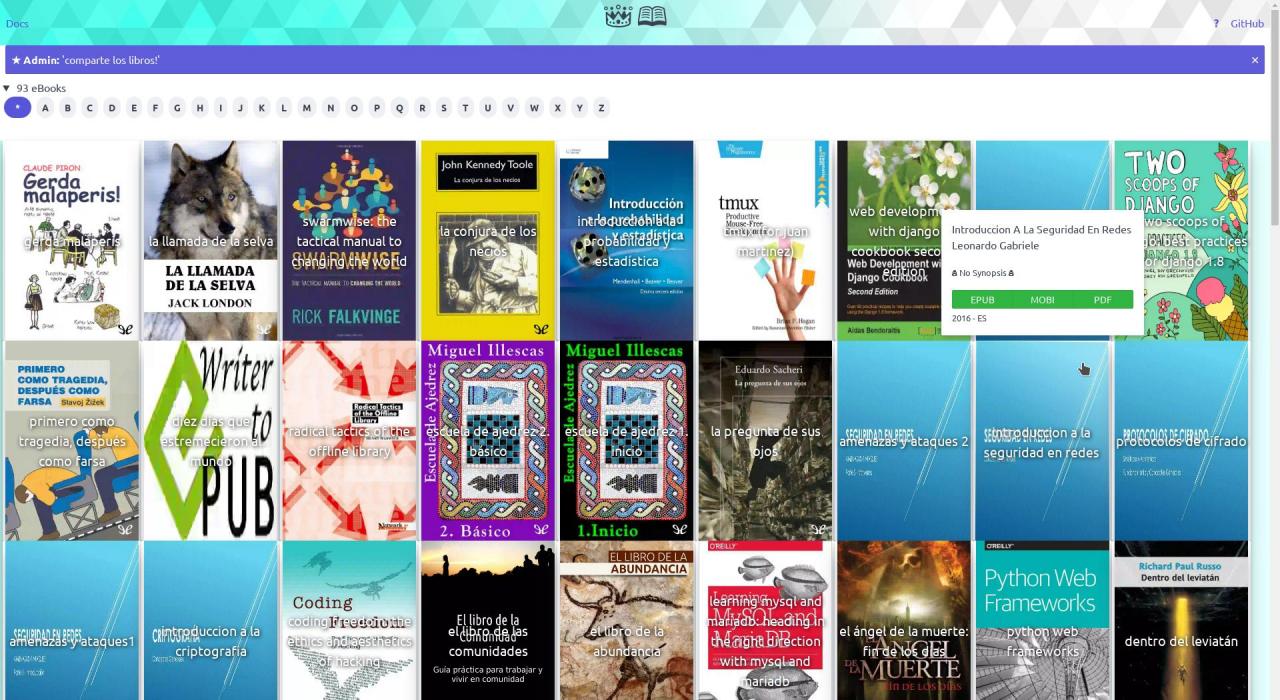
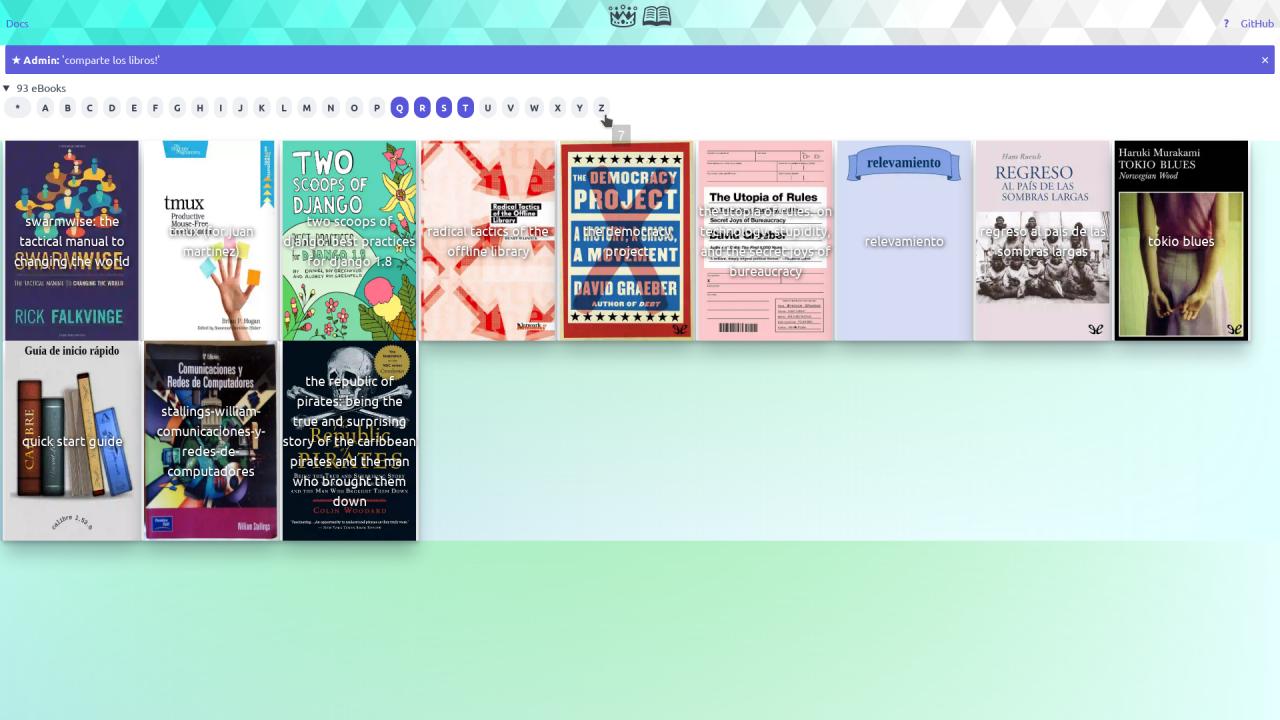
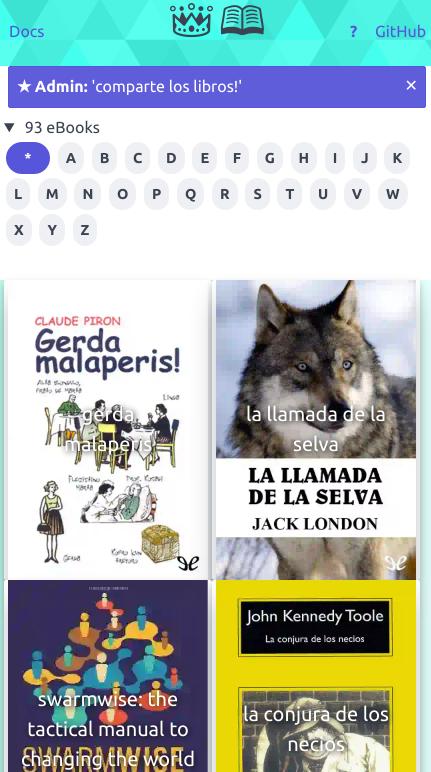
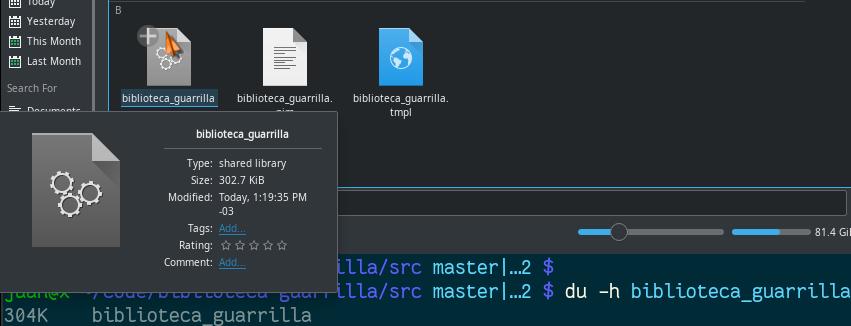
- 1 file.
- ~300Kb.
- ~130 Lines of code.
- 0 Dependencies (
libzipmay or may not be required depending on your system config, should be present on most OS nowadays). - English & Spanish supported.
Requisites
- A Calibre database
metadata.db(with the books on the same folder as the database, as typically used by Calibre App).
Use
Spanish:
./biblioteca_guarrilla --color --filtros --desbichar --limite=42 --autorefresco=9 --mensaje='Un mensaje de Admin aqui' '/ruta/a/calibre/metadata.db'
Opciones:
--desbicharModo de depuracion de errores.--colorUsar coloreado de la salide de Terminal.--autorefresco=9Forzar Auto-Refresco de la Web en Segundos, numero 1 ~ 255.--filtrosUsar Filtros por Inicial del nombre del libro en la pagina Web.--mensaje="foo"Mensaje de Admin se ve en la pagina Web, ideal MOTD, COC, etc.--limite=42Limite maximo de Libros a publicar en la Web, numero 1 ~ 255.--salida='/ruta/a/archivo.html'Escribir Web a un archivo en lugar de servirla.- Ver Ayuda con
--ayuda.
English:
./biblioteca_guarrilla --color --filters --debug --limit=42 --autorefresh=9 --message='Some Admin message here' '/path/to/calibre/metadata.db'
Options:
--debugDebug mode.--colorUse colored Terminal output.--autorefresh=9Force Auto-Refresh of Web on Seconds, 1 ~ 255 integer.--filtersUse Filters per book name on the Web.--message="foo"Admin Message seen on the Web, ideal for MOTD, COC, etc.--limit=42Max number of books to publish on the Web, 1 ~ 255 integer.--output='/path/to/file.html'Write the Web to a file instead of serving it.- See Help with
--help.
FAQ
- Works over Wifi?.
Yes.
- How to set English as default language?.
Its designed in a way that spoken language does not really matter too much.
- Necesita Nim instalado?.
No.
- Necesita Servidor Web?.
No.
- Se puede usar con Python, Flask, Bottlepy, etc?.
Si, usar opcion --salida= y servir la web con la App Python (No provista).
- Como se instala?.
No se instala. Solo ejecutalo y listo.
- Como se configura?.
No se configura. Solo ejecutalo y listo.
- How to use Calibre?.
- Que hace?.
Genera una web a partir de un catalogo de Calibre. Calibre es una App de Libros Digitales. Recorre la carpeta de Calibre procesando archivos. Luego optimiza las tapas de libros de JPG a WebP. WebP pesa la mitad que JPG, para previews es mas que suficiente. La web mostrara una foto paisaje o similar si falta la tapa del libro. Luego optimiza los libros Mobi y PDF comprimiendolos en ZIP. PDF en ZIP es mas liviano. EPUB no se ZIPean. No borra ningun archivo. Al final la misma aplicacion sirve la web y se ve desde el browser.
- Donde se Descarga?.
https://github.com/juancarlospaco/biblioteca-guarrilla/releases
- Fails with
Error: unhandled exception: cannot open: static/css/spectre.min.css [IOError]?
Copy over the /static/ folder.
Internal Structure
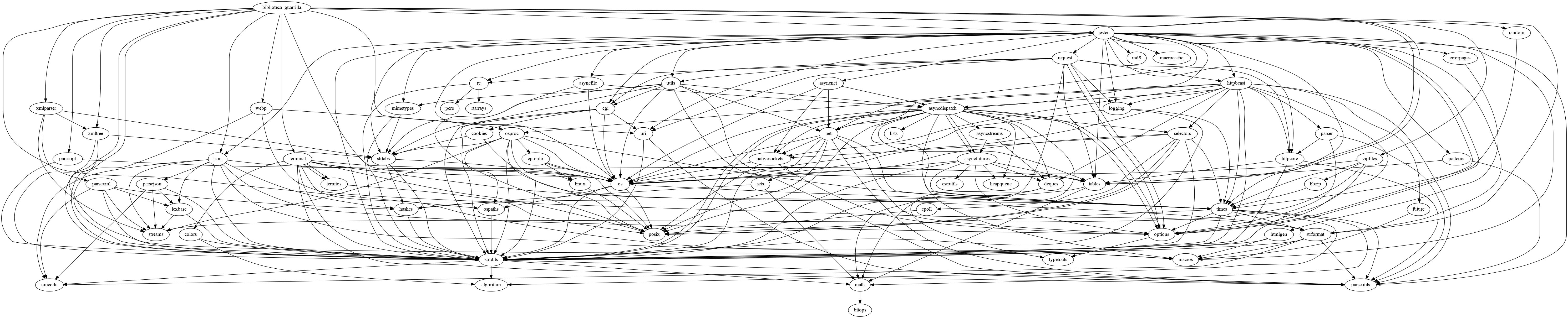
Run nim doc biblioteca_guarrilla.nim for more Documentation.